For Chrome and Edge · Free · Now in the Chrome Web Store
Your church on every new tab.
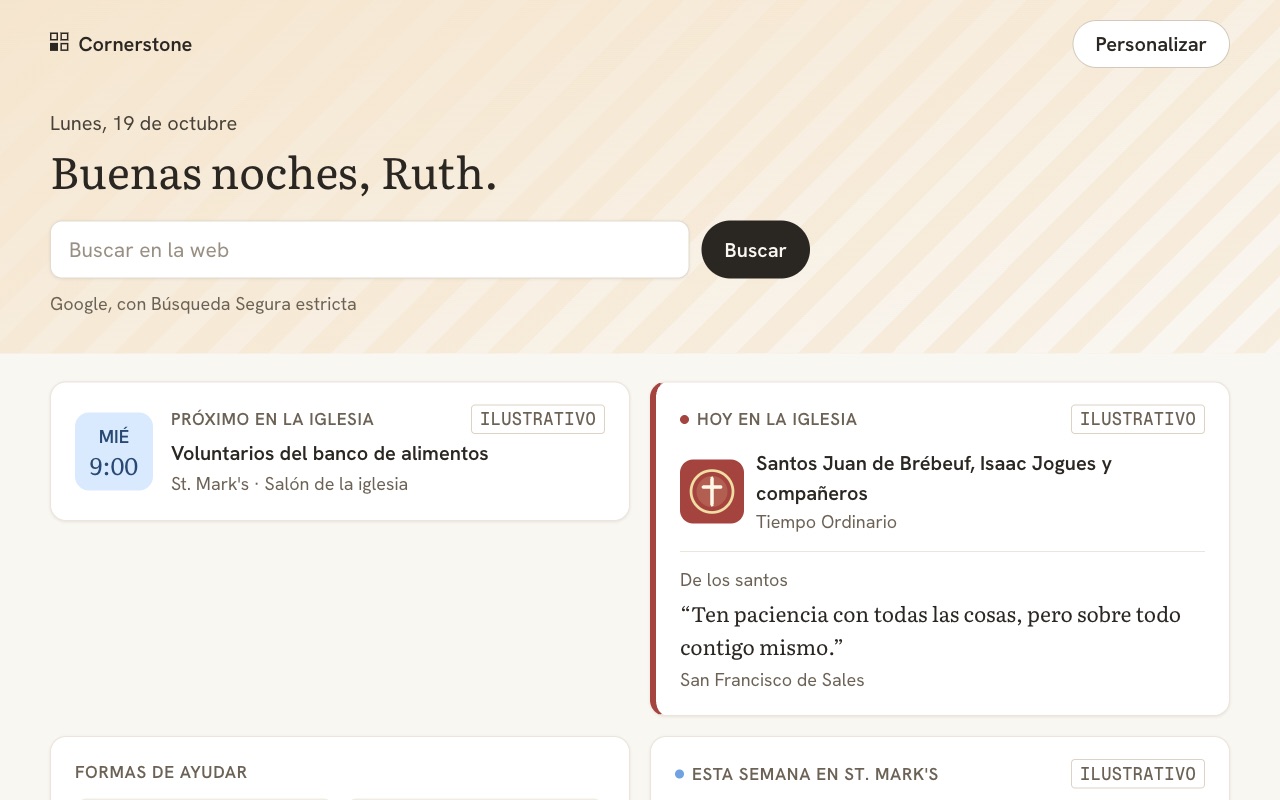
Keep the browser you already use. Rohi Browser gives Chrome and Edge a new tab with your church's week and today's verse, keeps explicit content off your screen, and helps you find ministries to give to.
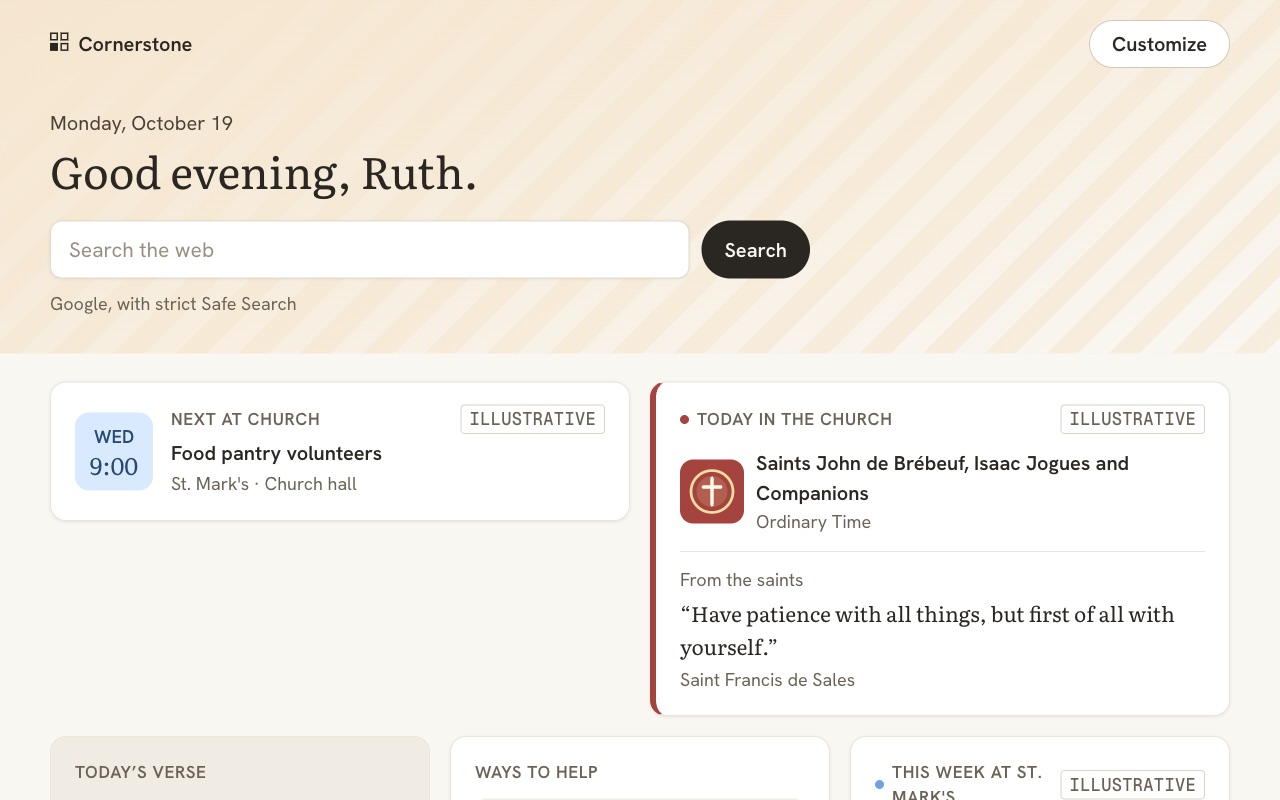
Your church, close
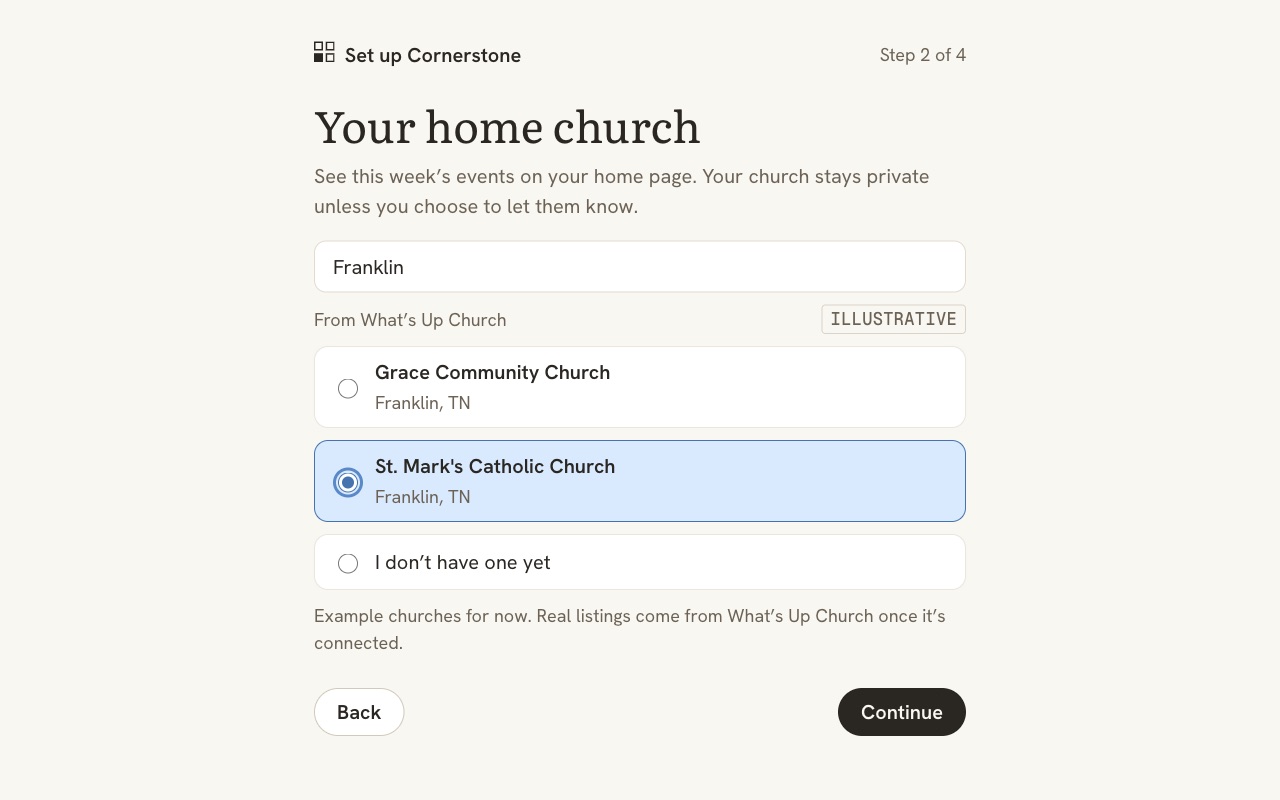
Pick your church and see what's on this week, from its calendar on What's Up Church. The new tab follows your tradition: saints and feast days for Catholics, a catechism question for Reformed churches.
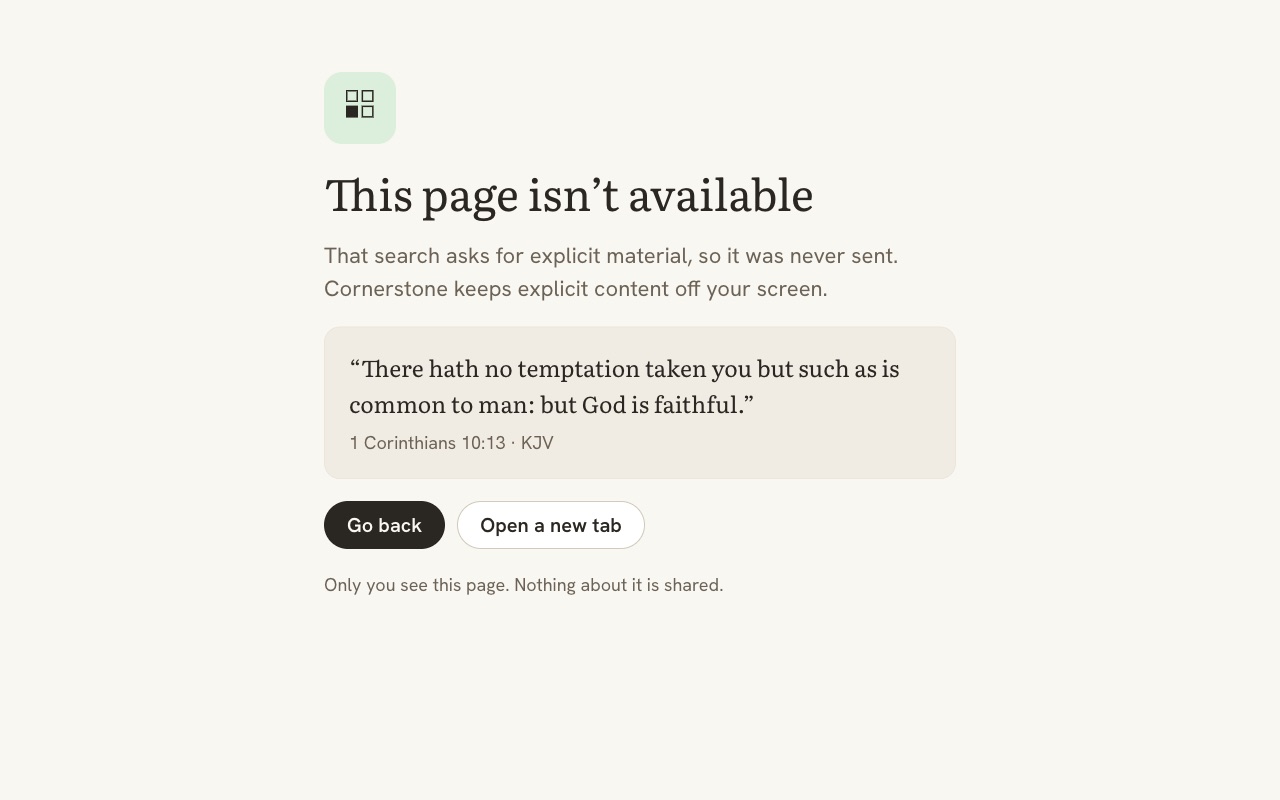
Protection, always on
Helps block adult sites and explicit searches, and keeps strict Safe Search on Google, Bing, DuckDuckGo and Brave Search, and Restricted Mode on YouTube.
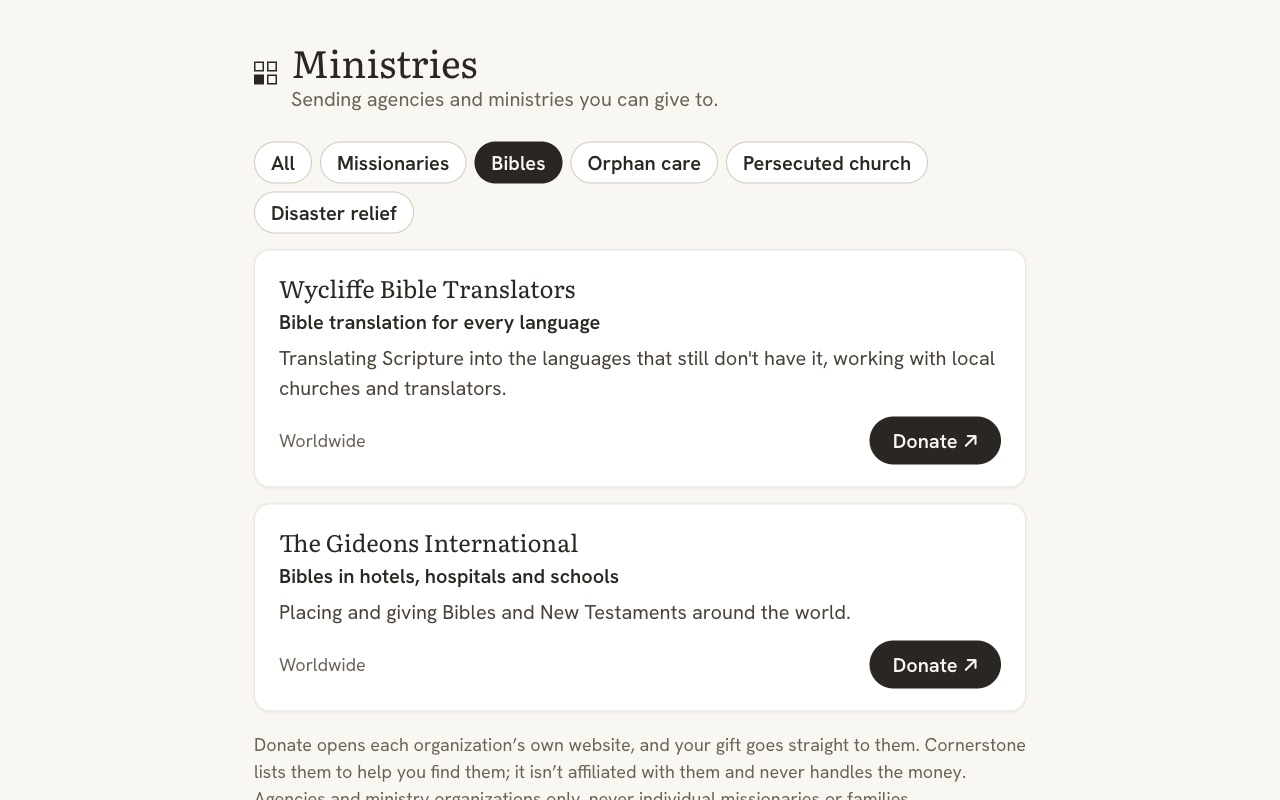
Ways to help
Find sending agencies and ministries for missionaries, Bibles, orphan care and the persecuted church, and donate on their own websites.
How it works
- Add Rohi from the Chrome Web Store or Edge Add-ons.
- Set it up: choose English or Spanish, find your church, and confirm its tradition.
- Open a new tab. Protection is already on; there's nothing else to switch on.
Your data
- Your name, church, tradition and settings stay in your browser on your computer. No account and no analytics.
- Finding your church sends the name you type to What's Up Church, and your church's public events come from there. Those requests carry no name, account or device id.
- Rohi doesn't read the pages you visit; your browser applies the blocking rules. See the Privacy Policy.
For children, choose the stronger option
An extension can be turned off or removed, and it doesn't run in private windows unless you allow it there. It protects only the browser it's in. For children, the full Rohi browser for iPhone or your device's own parental controls protect more.
For pastors
Share your church's invite link in your bulletin, newsletter or as a QR code on a slide:
rohibrowser.com/join/your-church
Use the last part of your church's page address on What's Up Church. For example, if your page is whatsupchurch.com/churches/grace-community-franklin, your link is rohibrowser.com/join/grace-community-franklin. People who open it can add Rohi and make your church their home church in two steps. Small group leaders can make a link and QR code for their group at rohibrowser.com/group: members see the meeting and the group's reading plan on every new tab. Everything else for pastors, including a ready-made slide and a letter for parents, is in the pastor's kit. Rohi never tells you who did, unless they choose "Let my church know", which shares a count only.
Questions
Is it free?
Yes. There's nothing to buy and no account to make.
Can I turn protection off?
Not in Rohi. If a good site is blocked, use "Blocked by mistake?" on the blocked page to ask for it to be reviewed.
Why does it ask to "read and change" data on all websites?
Chrome shows that wording for any extension that can redirect pages. Rohi needs it to show its blocked page instead of an adult site and to keep Safe Search strict on every Google site. It doesn't read page content.
Does it work in Microsoft Edge?
Yes, Edge and Chrome use the same extension. Safari is planned.
More answers on the Support page.